One home for the team’s work.
Keep the team, brand knowledge, Projects and Library in one working space.
Plan campaigns, manage projects, make content and review work with approved brand knowledge close at hand.
Bring your marketing team, brand knowledge and AI together to plan, make and review work without losing your standards.
Keep the brand context with the work, from the first brief to the version you are ready to share.
Bring the brief, Brand Book, research and approved assets into one Workspace.
Use Agents and Workflows to support planning, production and human review.
Create an editable deck, report or page, then check it before release.
Explore the platform without leaving this page.
Briefs, standards, projects and decisions stay close to the people making the work.
Keep the team, brand knowledge, Projects and Library in one working space.
Give people and Agents access to approved voice, identity and assets.
Bring the brief, tasks, people, sources and outputs together.
Put AI tasks, human work and approvals in a repeatable order.
Keep source material, approved assets and finished work together.
Compare routes and keep feedback with the work being reviewed.
Explore ideas, make editable outputs and choose what is ready to share.
Use simulated audience perspectives to expose assumptions before real-world testing.
Build decks, reports and pages for the team to check and share.
Share selected Agents and guidance without opening the whole Workspace.
Bring your working methods into Agents, choose approved models and practise on real work.
Give a specialist Agent a defined job, instructions and approved context.
Use approved models for research, analysis, writing and creative work.
Make and edit images, video and microsites with the brief nearby.
Bring relevant information into the work within each connection’s permissions.
Build courses around the work and get feedback people can use next time.
Set access, understand usage and see where the team needs support.
Set available AI models, users, roles and permissions.
Review model usage and cost across the organisation.
See how use and capability develop, and where coaching is needed.
Hollee coaches configure the platform around your team, teach people to use it and work alongside them on real marketing projects. You can see what people are using and where they still need help.
A Workspace gives a marketing team one home for its people, Brand Book, Projects and Library.
A campaign team can move from the brief to its Brand Book and working files without rebuilding the context each time.
Put approved brand voice, identity, assets and examples where people and Agents can use them.
A new campaign can start with the approved voice and visual direction rather than a search through old files.
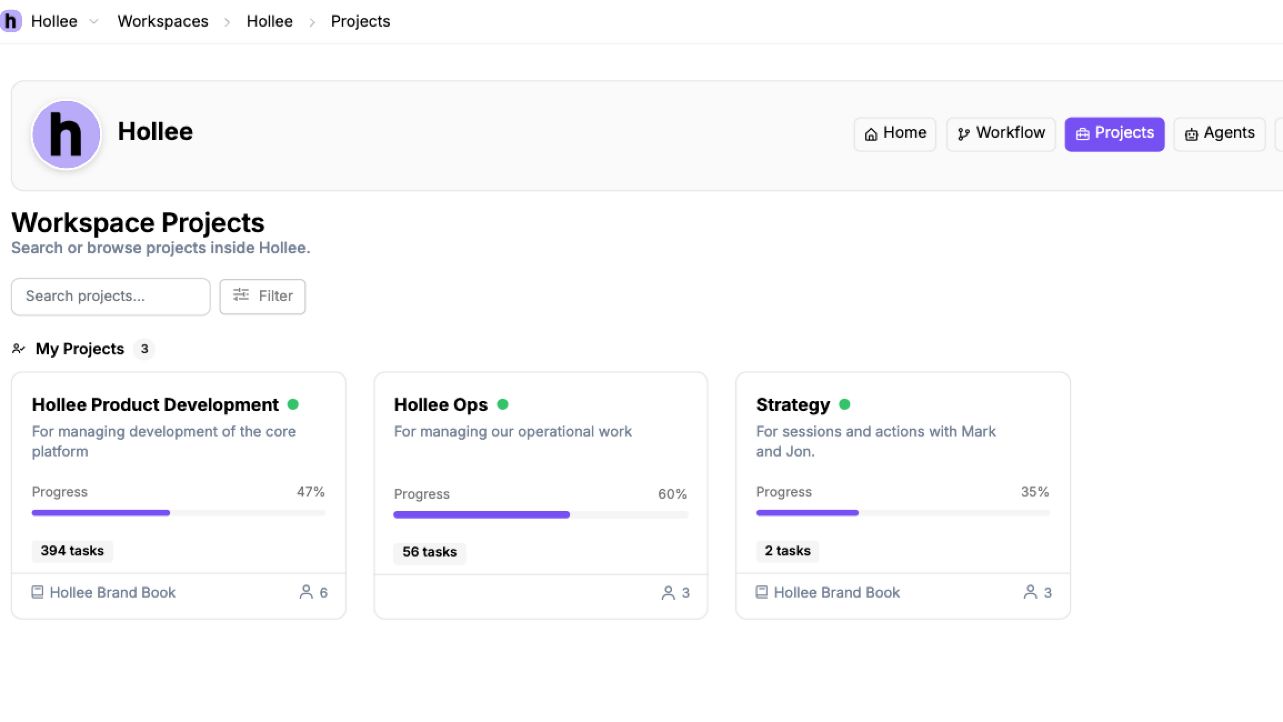
Keep a campaign or launch brief, tasks, sources, people and outputs in one Project.
For a product launch, the team can keep research, messaging, creative work and the final deck in one place.
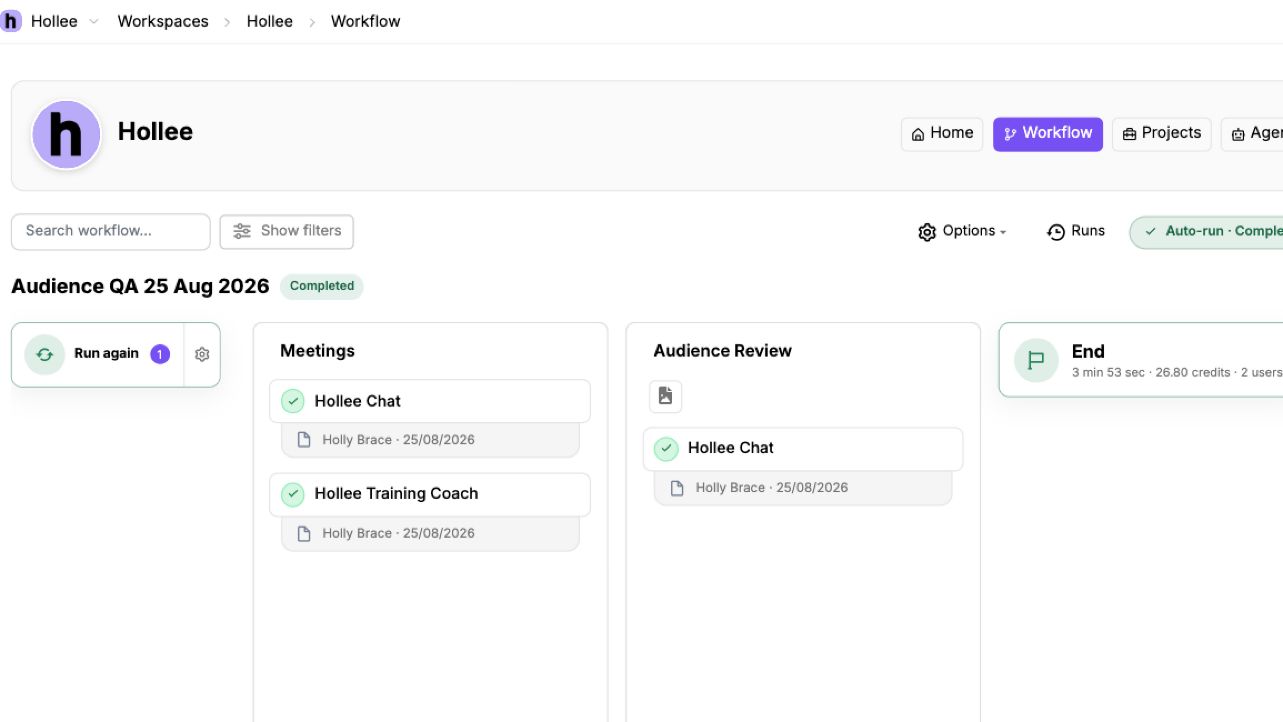
A Workflow puts AI tasks, human work and approvals in an order the team can repeat.
A campaign brief can move through research, draft routes, brand review and approval before anything goes live.
Keep research, approved media, reference material and finished work in a Library the right people can reach.
When the next campaign begins, the team can find the current product facts and approved imagery before creating new material.
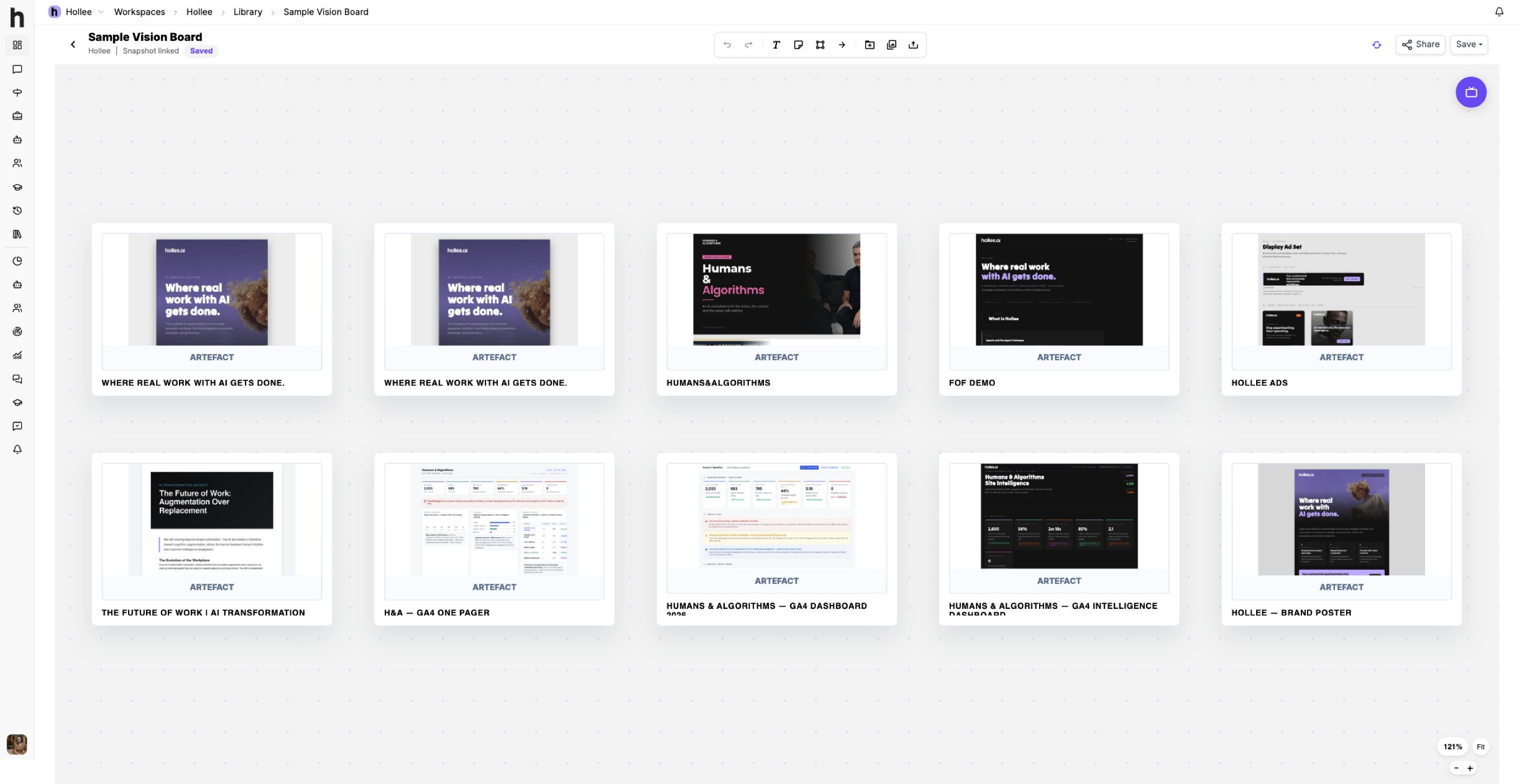
Bring visual routes, references and feedback together so people can agree a direction.
A brand team can compare two visual directions for a launch and record which parts should move forward.
Explore simulated audience perspectives, using the research and assumptions you provide, to challenge work before it reaches market.
Before a launch, the team can ask whether a first-time buyer would understand the offer, then decide what needs real-world testing.
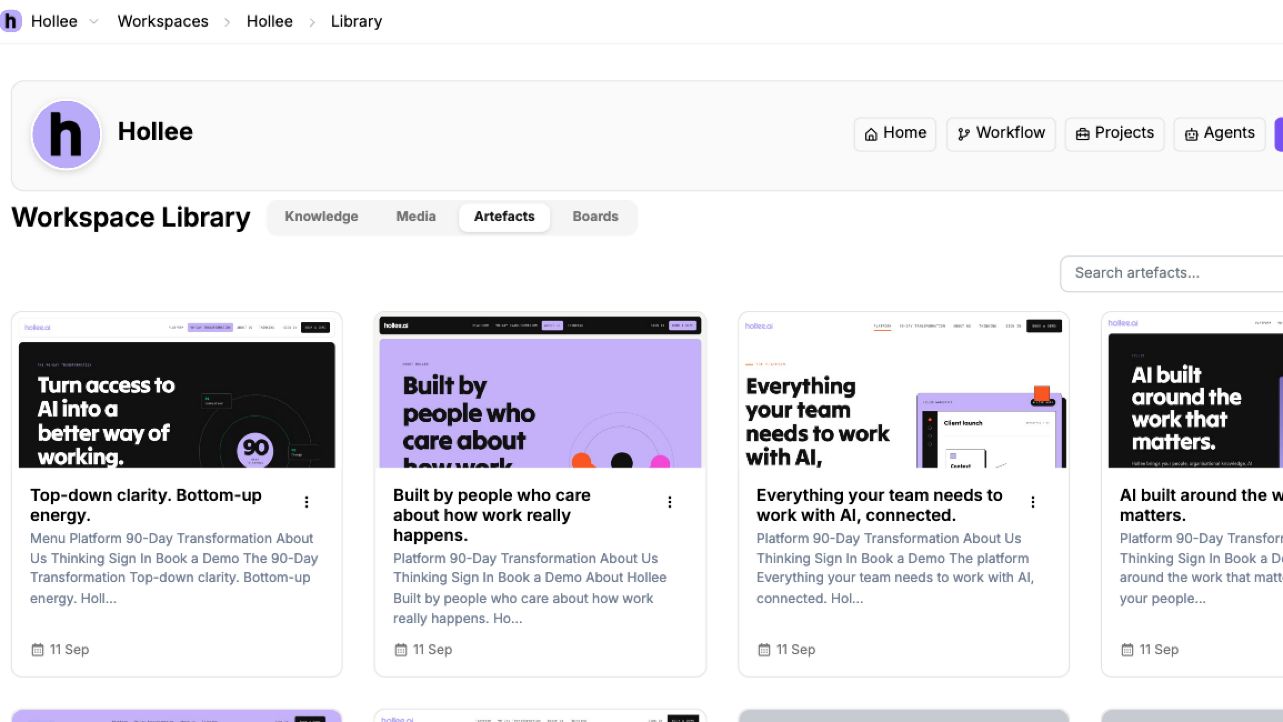
Create decks, reports and pages as editable Artefacts that the team can review and refine.
A campaign plan can become an editable deck that the marketing team changes before leadership review.
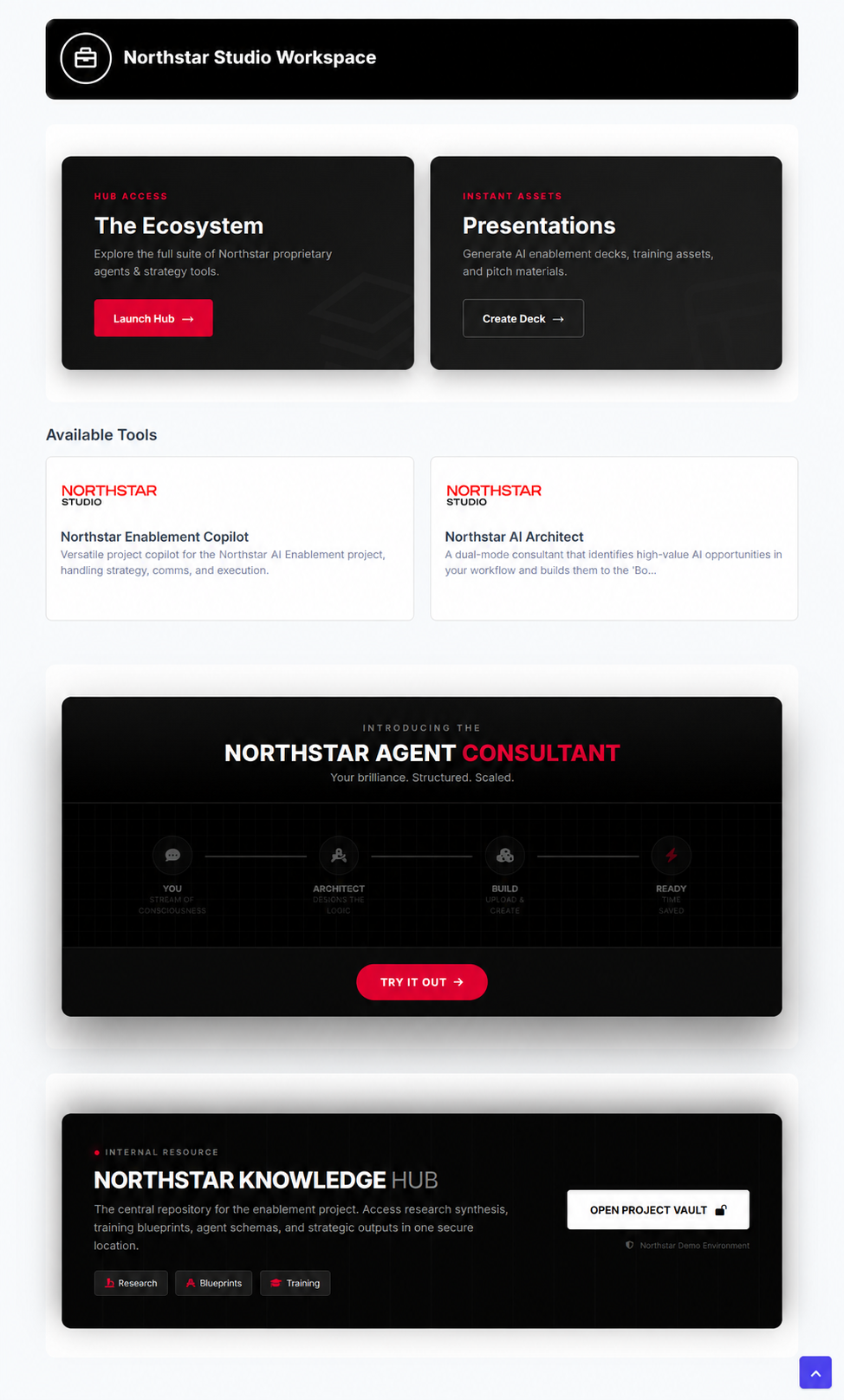
Give selected partners a controlled starting point with the Agents and guidance they need.
An external production partner can work from an approved set of brand guidance and tools without access to unrelated Projects.
Build reusable Agents around your marketing methods and the knowledge they are allowed to use.
A brand review Agent can examine a draft and flag claims that need evidence or language that may not fit the approved voice.
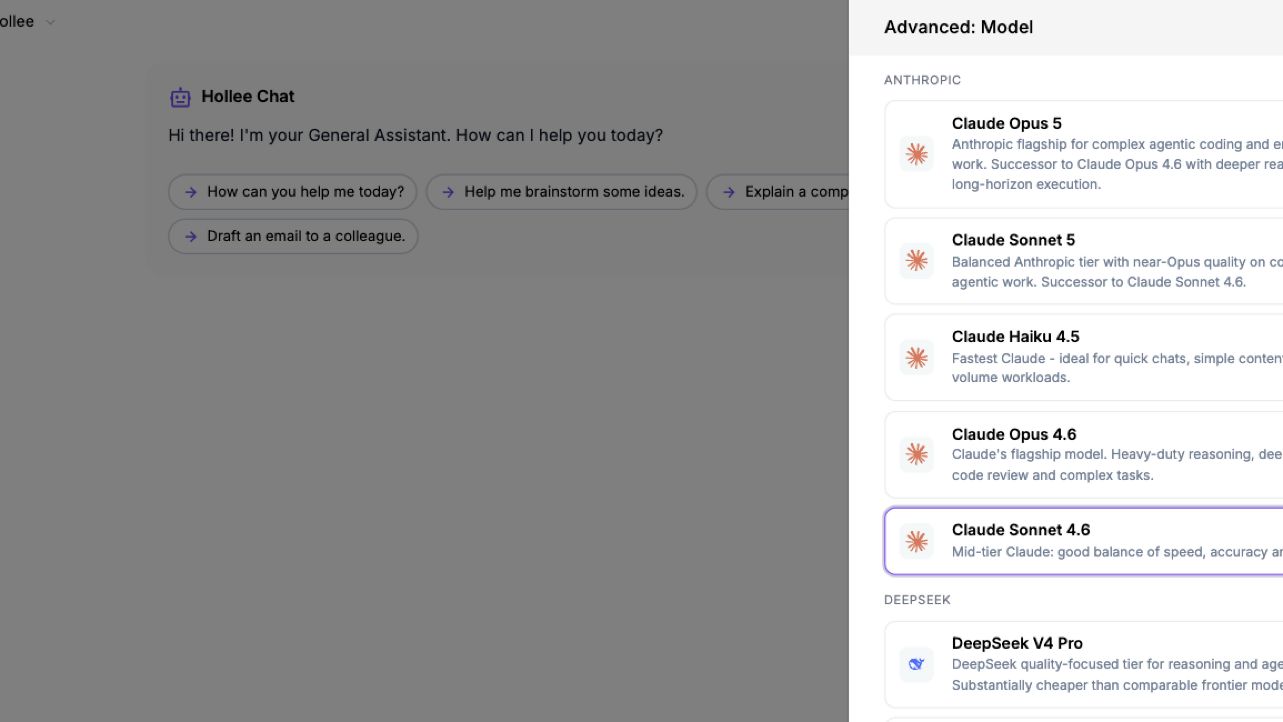
Choose among approved AI models for different kinds of work inside the same platform.
A team might use one approved model to explore a research question and another to develop draft messaging, then review both.
Create and edit images, make videos and build microsites with the brief and brand direction close at hand.
A team can explore imagery for a campaign and place a selected route in an editable page for review.
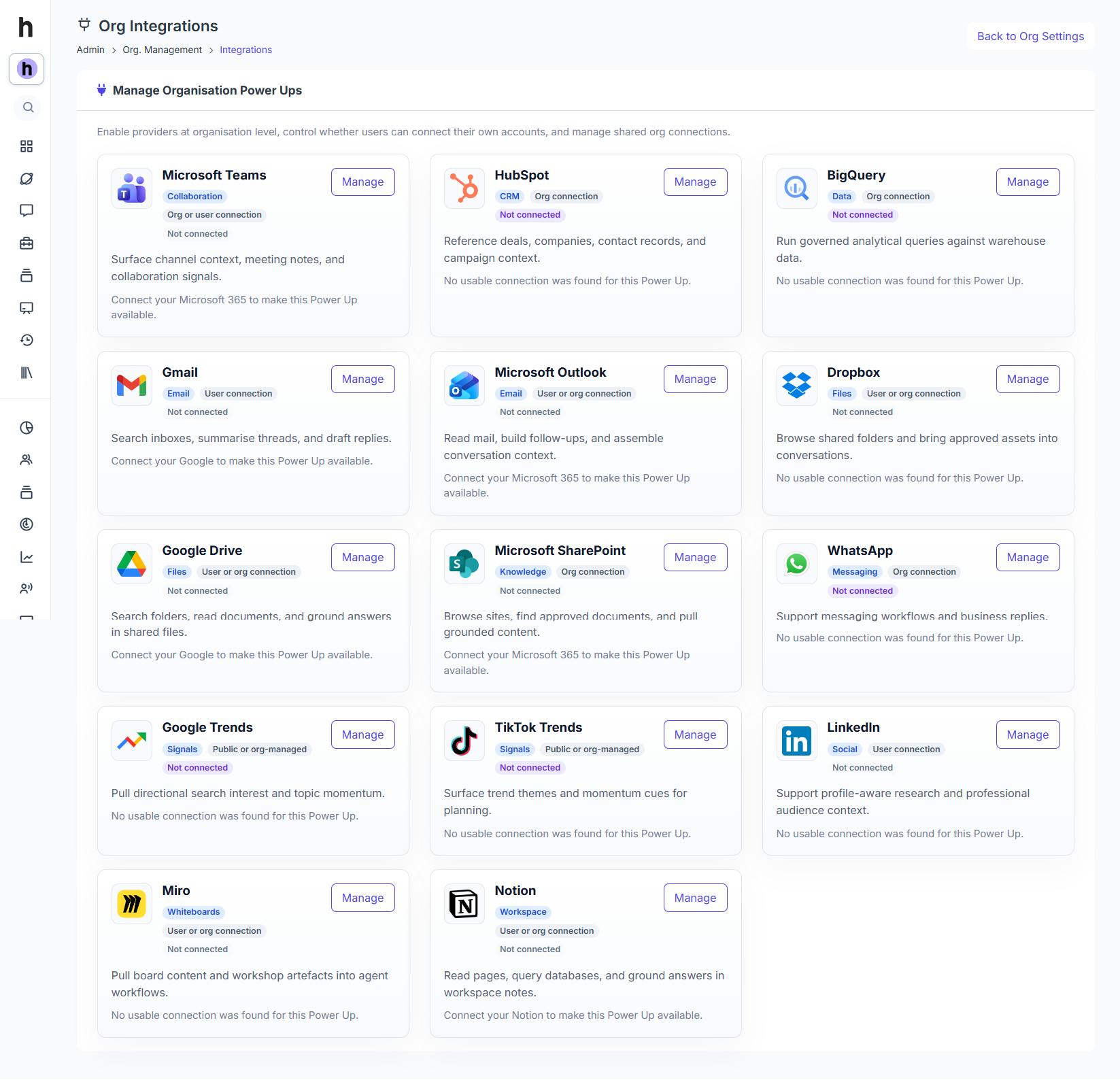
Use approved connections to bring relevant information from other tools into Hollee.
A marketing team can use an approved connection to reach current product information rather than copying it between systems.
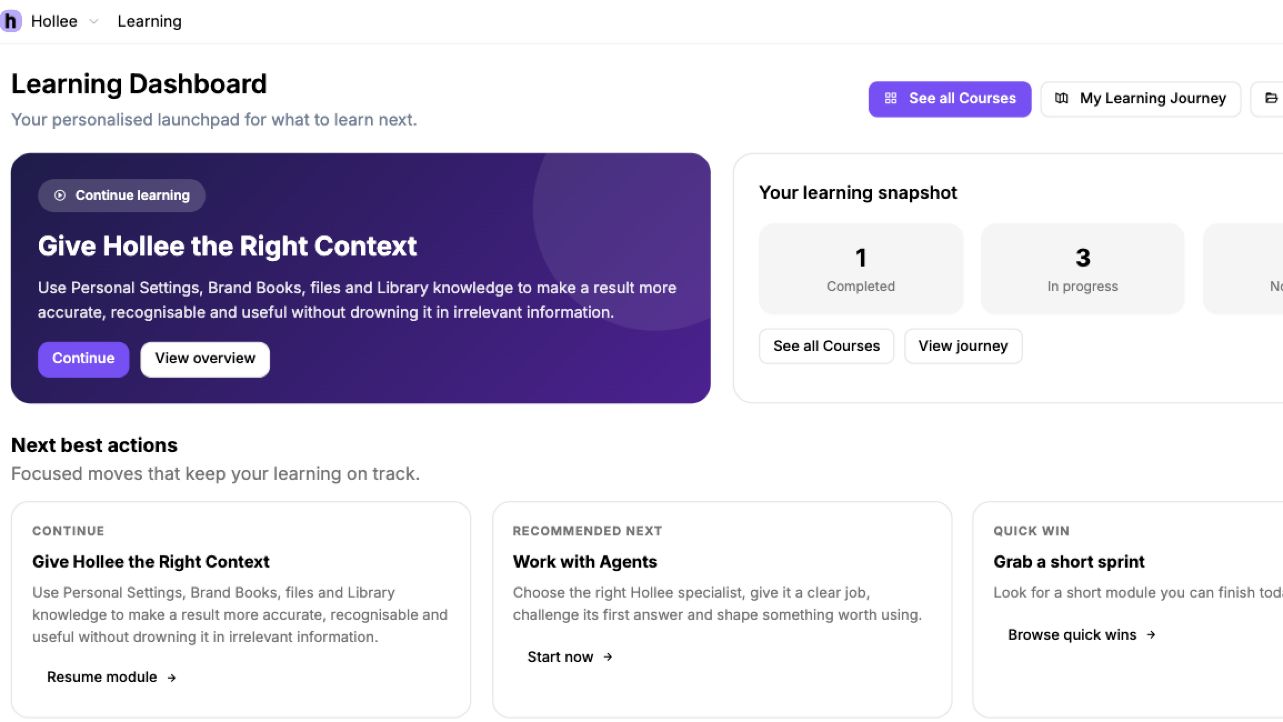
Help people practise AI-assisted marketing work with courses, real examples and feedback.
A new marketer can practise the organisation’s brief method before applying it to a live campaign.
Manage the organisation’s people, roles, permissions and available AI models.
An external partner can be given access to one approved Workspace without seeing other marketing work.
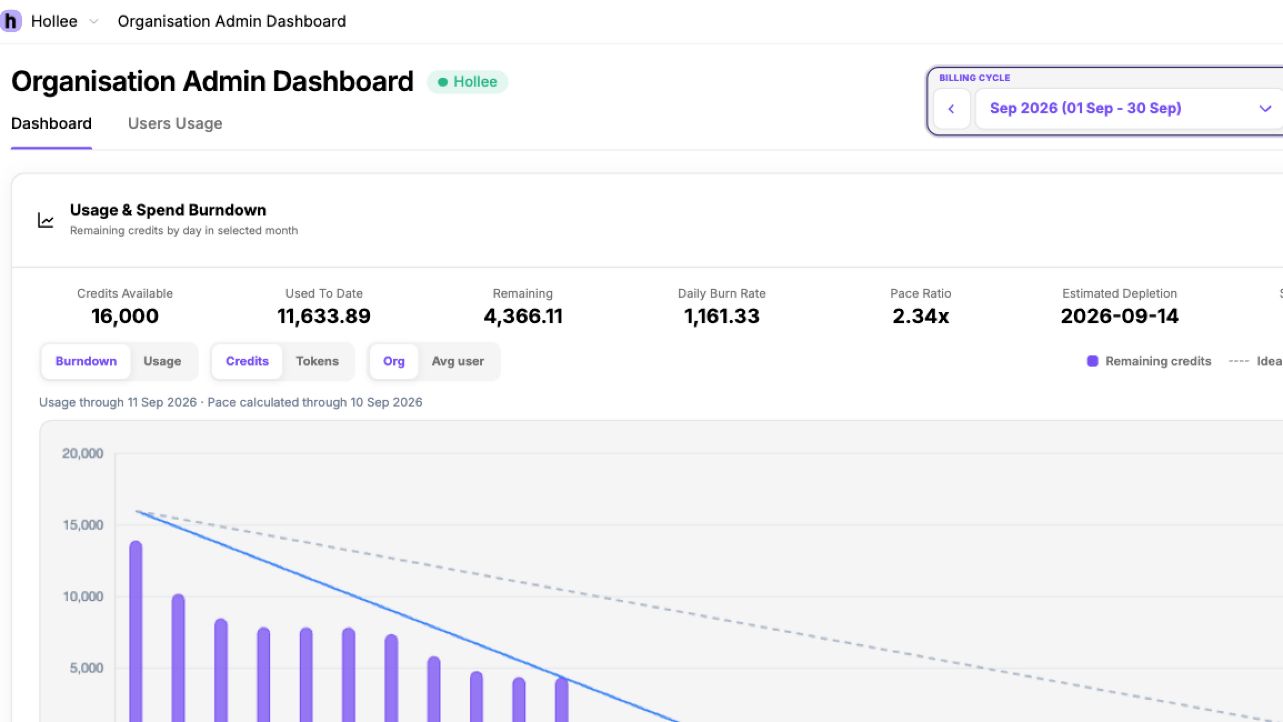
Review AI usage and model costs across the organisation.
A marketing lead can see which models are being used and discuss whether the spend matches the work being done.
Use learning, activity and capability signals to understand adoption and decide where people need support.
If one team has started using Hollee but another has not, you can look at the work and training needs before deciding what to do next.